




In commercial environments, brightness determines whether content is clearly seen or quickly ignored.
Retail video walls, digital signage, control rooms, and exhibition displays all compete with strong ambient light from overhead lighting or daylight.
Making an LCD brighter is not a single setting adjustment.
It is a system-level design decision that involves backlight output, optical efficiency, panel characteristics, and thermal stability working together.
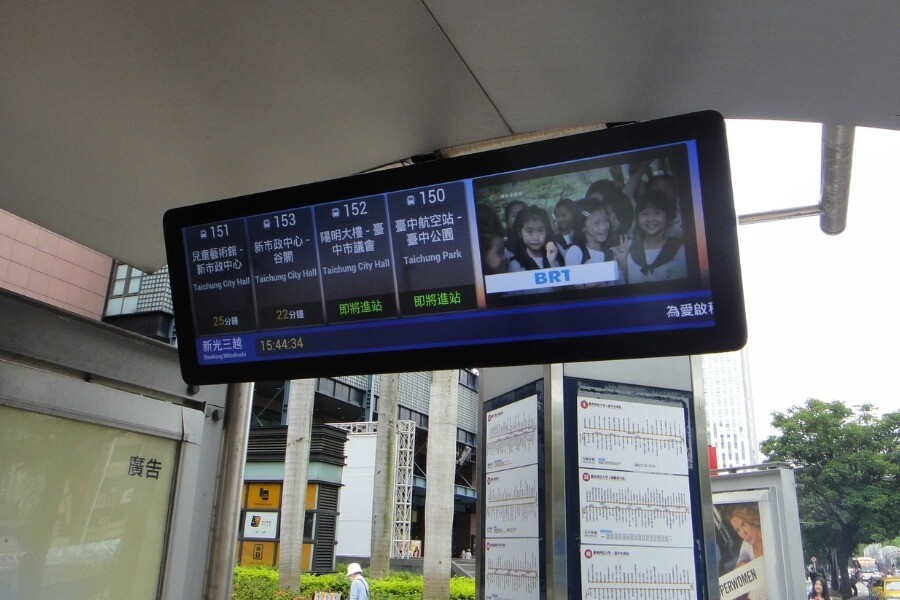
Why Increasing LCD Brightness Requires a System-Level Approach
LCD panels do not emit light on their own.
What users perceive as brightness is the amount of backlight that successfully passes through the panel and reaches the viewer.
Increasing brightness by simply raising electrical power often leads to higher heat, shorter LED lifespan, and unstable performance.
In commercial projects, brightness must be designed as part of the complete display system rather than treated as a standalone parameter.
What Actually Determines How Bright an LCD Can Be
In real projects, brightness issues often appear after installation rather than on specification sheets.
A display that looks sufficient in a lab environment may struggle once exposed to storefront lighting, reflective surfaces, or long daily operating hours.
How Backlight Power and LED Quality Limit Maximum Brightness
Backlight power sets the upper limit of achievable brightness.
Within the LED’s allowable forward current range, higher power produces more light output.
However, LED efficiency determines how much usable brightness is generated from that power.
Higher-quality LED dies, optimized materials, and appropriate color temperature produce more light without proportionally increasing power consumption.
More power increases brightness, but efficiency determines whether that power is used effectively.
Why Panel Choice Directly Affects Visible Brightness
An LCD panel acts as a light valve.
Each pixel controls how much backlight passes through, which means panel transmissivity has a direct impact on final brightness.
Different panel technologies allow different levels of light transmission.
For commercial displays, panels optimized for higher transmissivity provide better brightness performance without increasing backlight power.
Choosing the right panel often delivers more visible improvement than increasing electrical input alone.
How Optical Films and Polarizers Reduce Brightness Loss
A significant amount of backlight can be lost inside the display stack.
Brightness enhancement films redirect scattered light toward the viewer, improving forward luminance without adding power.
Polarizer selection also plays a key role.
Transmissive polarizers support higher peak brightness when backlight is active, making them better suited for video walls and digital signage in controlled indoor environments.
Brightness gains at this stage come from reducing optical loss rather than increasing electrical load.
Why Light Guide Design Matters More Than Adding LEDs
In edge-lit LCD designs, the light guide determines how efficiently light travels from the LEDs to the panel surface.
Poor coupling or unoptimized extraction patterns allow light to escape before reaching the display area.
Well-designed light guides distribute light evenly while minimizing loss.
Optimized optical patterns can significantly increase usable brightness while maintaining uniformity across large panels.
This is often one of the most effective ways to improve brightness without sacrificing reliability.
Practical Ways to Increase LCD Brightness in Real-World Projects
Hardware Changes That Deliver the Fastest Brightness Gains
Hardware changes provide the fastest brightness improvements.
Common approaches include upgrading LED backlight modules, using higher-efficiency LEDs, and refining optical layer combinations.
Adjusting LED drive current can also increase brightness, but it must be evaluated together with power supply capacity, thermal design, and expected lifespan.
Hardware optimization should always be assessed at the system level.
How Backlight Control Improves Brightness Without Overloading the System
Brightness control is typically achieved through PWM-based backlight driving.
Software does not create brightness, but it determines how the backlight hardware is used.
High-frequency PWM allows smooth brightness adjustment without visible flicker.
In commercial systems, this enables adaptive brightness control based on ambient light or operating schedules.
Why Thermal Design Is Critical for Stable High Brightness
Higher brightness produces more heat.
If heat is not managed effectively, LED efficiency drops and brightness becomes unstable over time.
Commercial displays require well-designed airflow, thermal paths, and stable power delivery.
Maintaining consistent operating temperature is essential for long-term brightness stability and predictable performance.
What Changes When You Increase Brightness in Video Walls and Large Displays
Large-format video walls introduce additional challenges.
Brightness consistency across multiple panels is critical to avoid visible seams or color shifts.
Commercial installations often run continuously.
High-brightness designs must prioritize component binning, thermal margin, and modular serviceability to support long-term operation.
In these environments, stable brightness is more valuable than peak brightness alone.
How to Decide the Right Brightness Level for Your Application
Brightness requirements depend heavily on the installation environment.
Standard indoor spaces typically require moderate brightness.
Areas with strong ambient lighting or storefront exposure demand higher output to maintain visibility.
Selecting brightness based on real lighting conditions helps avoid unnecessary power consumption while ensuring content remains clear throughout the day.
FAQ
Q1: How do I choose the right brightness level for my commercial display project?
Brightness should be selected based on ambient light conditions, viewing distance, and operating hours. Controlled indoor environments usually require moderate brightness, while storefronts or atriums with strong daylight demand higher output. Measuring on-site lighting helps avoid over-specifying brightness and reduces unnecessary power consumption and thermal stress.
Q2: Why does my LCD display look dim in real-world installations?
Displays often appear dim due to strong ambient lighting, reflective surfaces, or insufficient panel transmissivity rather than low backlight power alone. A screen that looks acceptable in a lab may struggle after installation. Evaluating optical structure, panel choice, and environmental light is essential before increasing electrical brightness.
Q3: Does higher brightness significantly reduce display lifespan?
Higher brightness increases LED current and operating temperature, which can accelerate light degradation. However, well-designed thermal management and adaptive brightness control help maintain long-term stability. Commercial displays typically balance peak brightness with sustained operating conditions to achieve consistent performance over extended service life.
Q4: Does PWM dimming cause visible flicker or eye strain?
Commercial displays usually use high-frequency PWM that is not perceptible to the human eye. Flicker issues are typically linked to low-frequency or poorly designed drivers. When implemented correctly, PWM allows precise brightness control without affecting visual comfort or image stability in long-term commercial operation.
Q5: Is it better to upgrade the backlight or replace the entire display?
Backlight upgrades can be effective if the LCD panel, drivers, and thermal design remain compatible. For older systems with outdated interfaces or limited efficiency, replacing the entire display often delivers better brightness stability, lower power consumption, and improved long-term reliability.
Supporting High-Brightness Display Projects with Confidence
Achieving stable high brightness requires coordinated decisions across backlight design, optical structure, thermal management, and control strategy.
RUSINDISPLAY delivers professional OLED, Transparent Display, and indoor LCD solutions designed around real-world commercial environments.
With system-level optical design, reliable performance, and rapid 3D scene creation support, our displays help businesses achieve stable visibility and long-term value.
From high-brightness LCD video walls to advanced transparent display applications, RUSINDISPLAY provides flexible solutions backed by consistent technical support and seamless after-sales service.