




In commercial digital signage, video walls, and large-format interactive systems, display uniformity is a critical quality indicator. LCD hot spots remain one of the most common visual issues affecting image consistency, long-term reliability, and perceived project quality.
This article explains what LCD hot spots are, why they occur, how to diagnose them accurately, and how high-end display systems reduce risk through design, installation, and maintenance practices. It also looks ahead at emerging technologies that are reshaping display uniformity management.
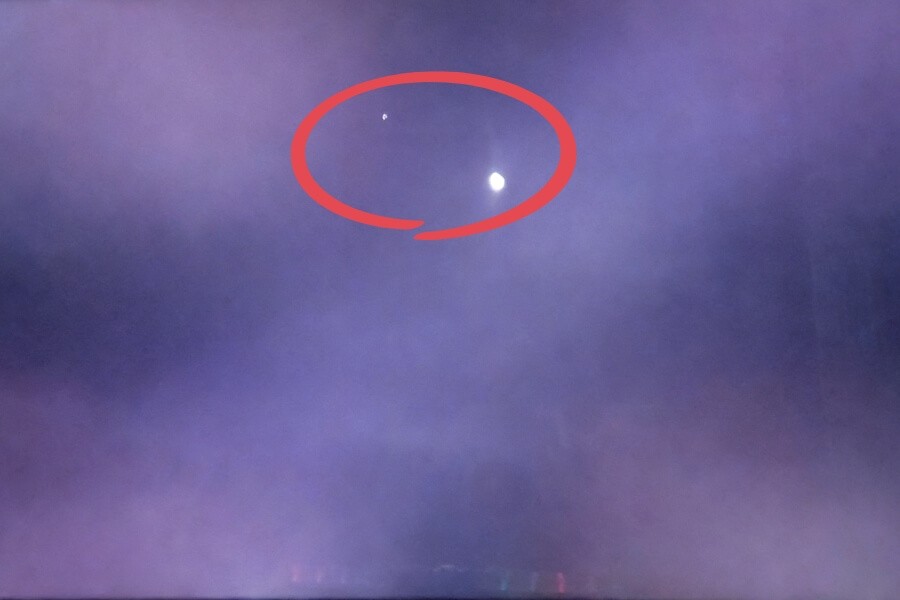
Understanding LCD Hot Spots – More Than a Bright Patch
LCD hot spots describe localized areas that appear brighter than the surrounding screen. While they are often grouped under one name, their causes and behaviors vary significantly.
What a Hot Spot Looks Like
A hot spot appears as a soft-edged bright area that disrupts uniform backlight distribution. It is most visible on white or light backgrounds and often scales with overall screen brightness.
Common terms include light spots, bright patches, backlight leakage, or clouding. Unlike pixel defects, hot spots usually cover a larger area and do not have sharp boundaries.
Common Root Causes and Visual Traits
Hot spots originate from different layers within the LCD display stack.
- Backlight issues such as uneven LED output or aging often create block-like bright areas.
- Light guide plate damage or contamination can produce foggy or cloud-shaped patches.
- Optical film deformation may result in irregular brightness patterns.
- Mechanical stress from mounting or pressure can permanently alter optical layers.
- Pixel or subpixel faults appear as tiny, sharply defined dots rather than patches.
- Environmental reflections can mimic hot spots but move with viewing angle.
How to Diagnose LCD Hot Spots in the Field
A structured diagnosis process helps distinguish between panel defects, optical issues, and environmental factors.

Five-Minute On-Site Checks
Start with full-screen test patterns.
- Display pure white, black, red, green, and blue.
- Hot spots linked to backlight issues are most visible on white and fade on black.
- Pixel defects remain visible at the same location across all colors.
Adjust brightness from low to high. Backlight-related hot spots change noticeably, while pixel defects remain stable.
Change viewing angle and check whether the bright area moves. Moving artifacts often indicate reflection rather than a panel issue.
System-Level Inspection for Commercial Projects
For high-value installations, additional checks are recommended.
- Verify mounting torque to ensure screws are not over-tightened.
- Inspect frame alignment and confirm the panel is not under mechanical stress.
- Measure surface and enclosure temperature to identify thermal concentration.
- Review installation environment for direct or reflected sunlight exposure.
Laboratory-Level Analysis When Needed
Persistent or disputed cases may require deeper analysis.
- Microscopic inspection can reveal micro-cracks or bonding defects.
- Thermal cycling tests help confirm heat-related material failure.
- Luminance mapping provides objective backlight uniformity data.
Preventing Hot Spots Through Design and Installation
Preventive measures are more effective than corrective repairs in commercial display projects.
Design-Level Risk Reduction
High-brightness displays require coordinated backlight and thermal design. Multi-LED arrays with proper heat dissipation reduce localized stress.
Floating mounting structures and elastic interfaces help isolate panels from mechanical deformation. Optical bonding materials and coatings should be selected for long-term stability and UV resistance.
Installation Best Practices
Torque-controlled tools should always be used during mounting. Over-tightening is a leading cause of pressure-related hot spots.
Displays should be transported in original packaging and handled by the frame, not the screen surface. Installation planning should account for airflow, ventilation, and sun path exposure.
Operational and Content Strategies
Avoid long-term static content such as fixed logos or UI elements. Scheduled content rotation and screen savers reduce localized thermal and optical stress.
Remote monitoring of temperature and electrical parameters allows early detection of abnormal conditions before visible issues develop.
Future Trends in Display Uniformity Management
Display technology is moving from passive prevention toward active optimization.
AI-based uniformity compensation systems can detect brightness imbalance and dynamically adjust backlight output. Mini-LED backlight architectures provide finer control over luminance distribution, significantly reducing large-area unevenness.
Transparent OLED technology eliminates backlight-related hot spots entirely by using self-emissive pixels. Combined with interactive sensing and AI-driven content logic, these systems enable both visual clarity and immersive user engagement in retail and exhibition environments.
Predictive maintenance platforms are also emerging, using operational data to anticipate component aging and schedule service before visual degradation occurs.
FAQ
Q1: Are white spots on an LCD always dead pixels?
Not always. Dead or stuck pixels are very small, sharply defined points with fixed color behavior. Most visible white patches are larger, soft-edged hot spots caused by backlight or optical layer issues. These are not pixel defects and usually change in visibility with brightness and content.
Q2: Why are hot spots more noticeable on white or light backgrounds?
Hot spots are areas of localized over-brightness. On white or light backgrounds, uniform image content makes brightness differences easier to detect. On darker content, contrast may appear stronger, but the actual brightness of the hot spot does not change.
Q3: Can pressing or “massaging” the screen fix a hot spot?
No. Pressing the screen is not recommended. Applying pressure can permanently damage liquid crystal alignment or worsen deformation of optical films. Improper handling often turns a minor issue into irreversible panel damage.
Q4: How should outdoor display hot spots be reported to suppliers?
Provide structured information, including the display model and location, photos under full-white and full-black screens, brightness behavior, installation environment images, and maintenance history. This helps suppliers identify whether the issue is related to installation, environment, or the display system.
Q5: How can hot spot risk be reduced during procurement?
Define clear technical requirements such as backlight uniformity targets, pixel defect class, installation torque guidelines, environmental limits, and acceptance testing procedures. Clear specifications help reduce risk and protect long-term display performance.
RUSINDISPLAY delivers professional OLED, Transparent Display, and Indoor LCD solutions designed for commercial environments that demand consistency and reliability. With experience across high-brightness LCD systems and advanced transparent OLED applications, we support projects from system design through long-term operation, helping businesses achieve stable visual performance and confident deployment.